
Reports & Accounting
Profit & Loss — Part of HOC Bill
The problem
Why Businesses Need This?
Managing profit & loss manually is slow and easy to get wrong. HOC Bill keeps it organised alongside the rest of your business.
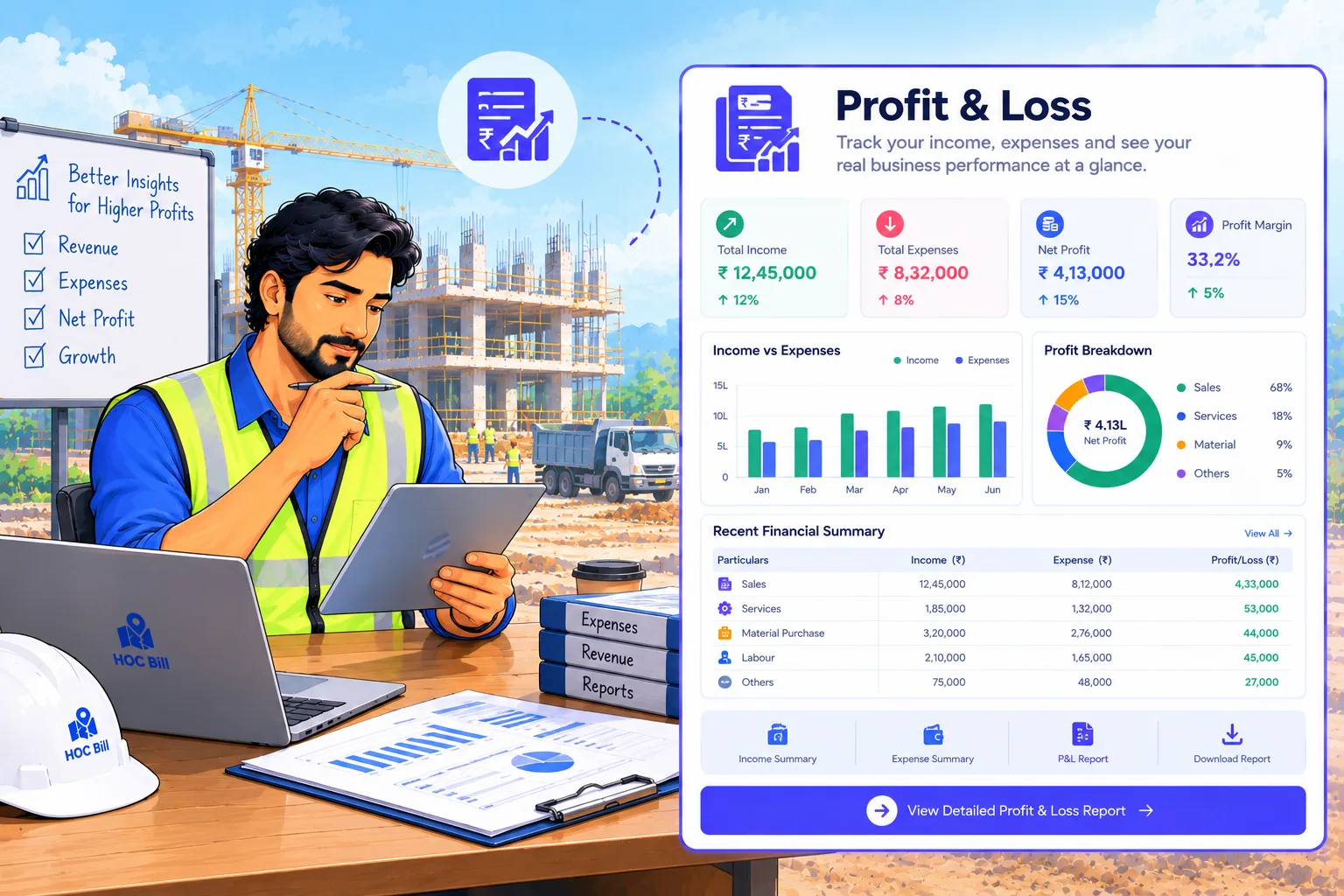
How Profit & Loss flowsProfit & Loss
- 01Open Profit & Loss in HOC Bill.
- 02Enter the required details.
- 03Save — related records update automatically.
- 04Review it any time from your reports.
Automated in HOC Bill4 steps
How it works
How the Feature Works
Open Profit & Loss in HOC Bill.
Enter the required details.
Save — related records update automatically.
Review it any time from your reports.
BenefitsWhat You Gain?
Example
An Indian business uses Profit & Loss in HOC Bill to keep this part of their operations accurate and connected to billing and reports.
Key Capabilities
- Profit & Loss records
- Linked to related modules
- Searchable history
- Included in reports
Organised records
Less manual work
Connected to the rest of HOC Bill
Ready for reporting
Try Profit & Loss in HOC Bill
Join Indian businesses using HOC Bill to run billing, inventory, payments and reports in one place.
No credit card required · 9-day free trial · Cancel anytime